


“Again?”
Saying no starts an argument. Saying yes buys another overpriced piece of junk. Adding it to the wishlist ends the conversation in three seconds — your child knows the wish is safe, and you know what to buy in December.
Free · iPhone & Android
You're in the store and your kid wants another toy. Instead of saying no, say let's add it to your wishlist — take the photo, walk away, and you've got a gift idea ready for the next birthday.
Free. No account, no ads, no subscription.
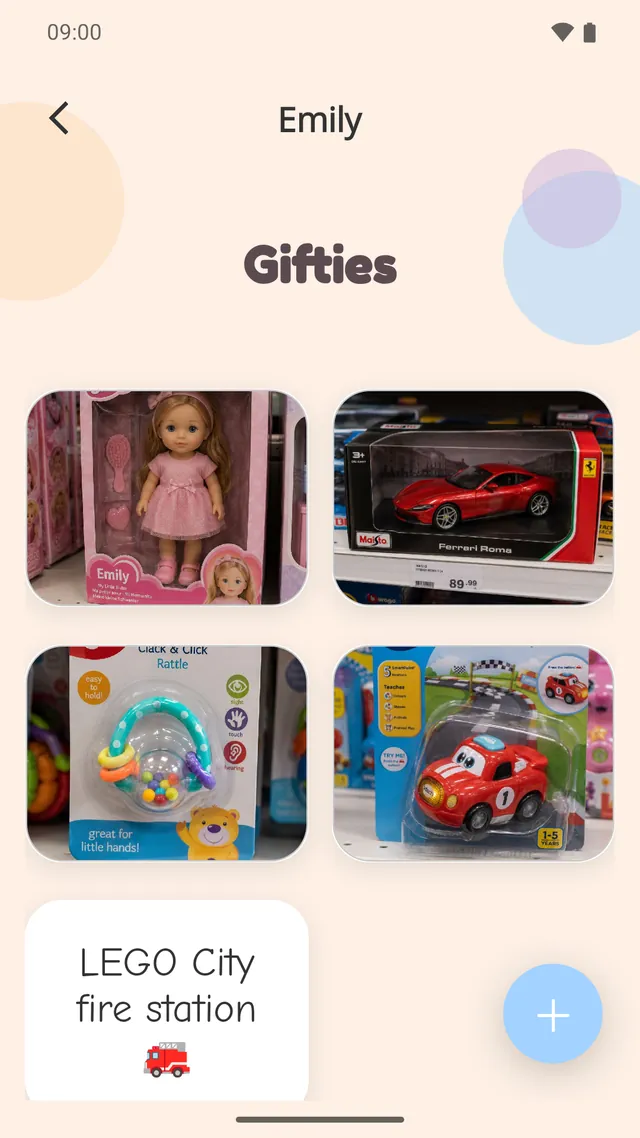
One tidy grid per child — photo, name, price.
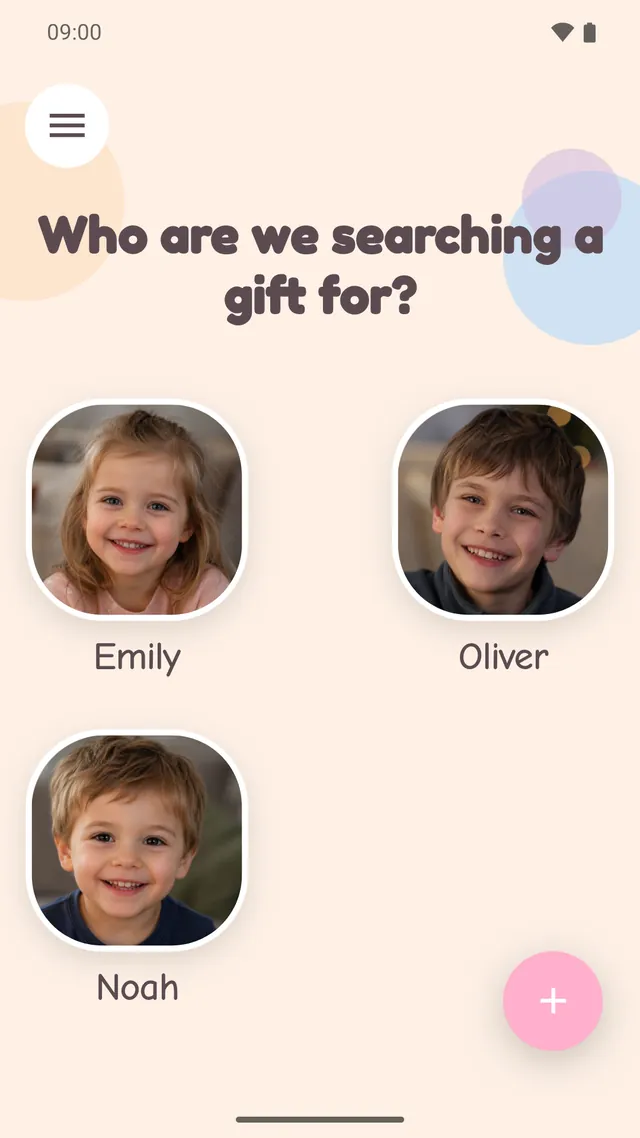
Add as many children as you have. Rename or remove them any time.
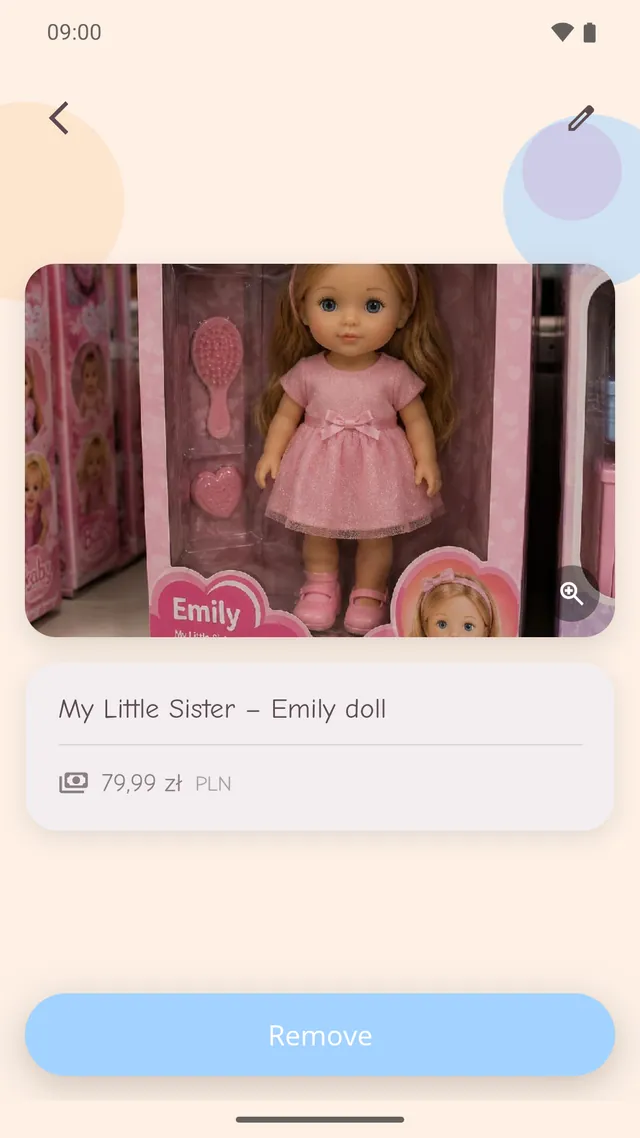
Tap a gift to see the full photo and what it cost.
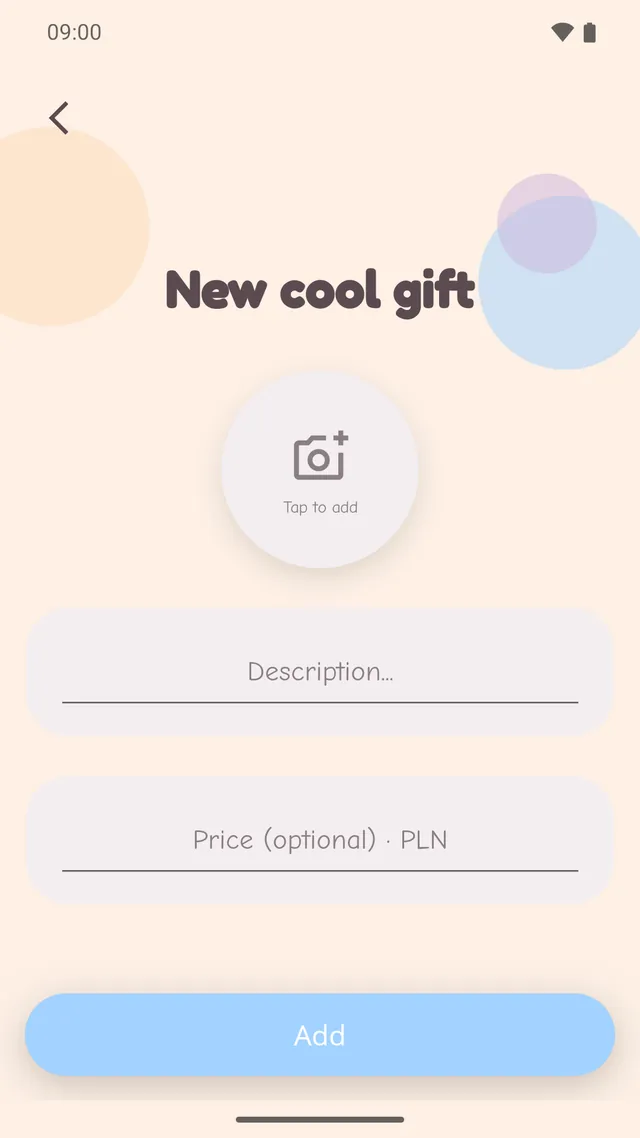
Camera or gallery, a name, and a price if you want one.
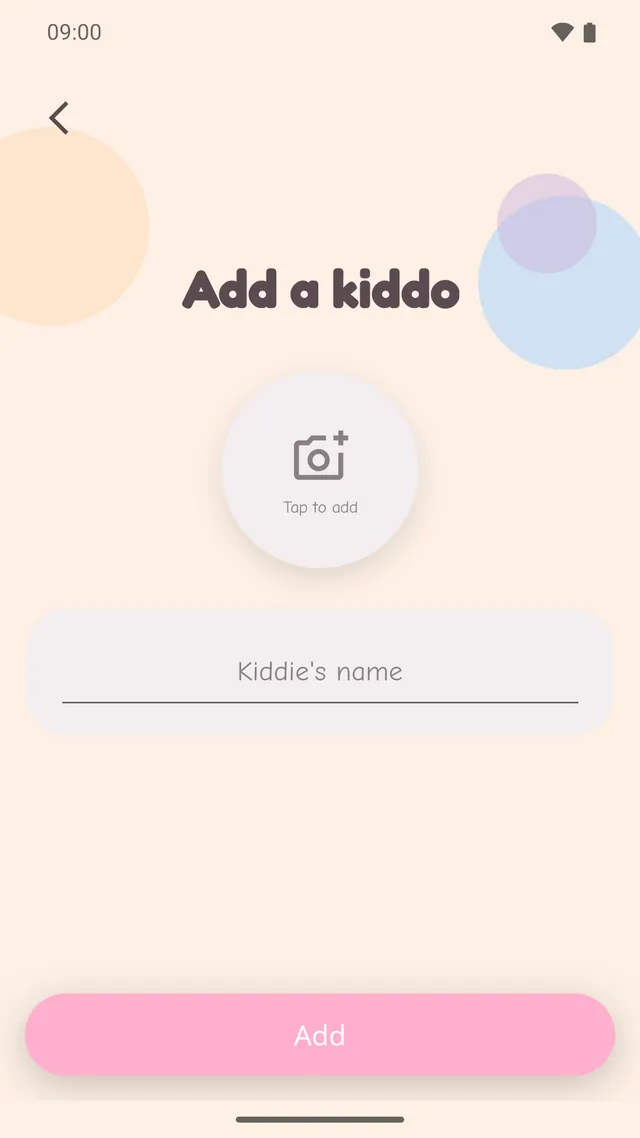
A name and a photo is all it takes to start a list.
Swipe to see more
A name and, if you like, a photo. That's the whole setup.
Take the photo on the spot, or pick one you already have in your gallery.
So that in four months you still know what the thing was and what it cost.
Birthday, Christmas, a good school report — open the list and choose.
Saying no starts an argument. Saying yes buys another overpriced piece of junk. Adding it to the wishlist ends the conversation in three seconds — your child knows the wish is safe, and you know what to buy in December.
Photos of packaging, buried between family pictures, impossible to find when you need them. Here they live inside the app instead, next to the child they belong to. Your camera roll stays yours.
There is no account to create and no server holding your family's data. Your children's names, the photos you take and the prices you type never leave the device.
Because it is all local, deleting the app deletes the data with it. There is no cloud copy for us to restore. Read the privacy policy
Collecting ideas all year instead of panicking in the last week of December.
One glance at the list and the present actually lands.
Godparents, family friends, the colleague with a nephew.
No. There is no sign-up and no login. Install it and start adding gifts.
Yes — free to download, no in-app purchases, no subscription and no ads.
On your phone only. We have no server for them and no way to see them.
Yes. When adding a gift you can take a new photo or pick an existing one.
Yes. Each child gets their own list, and you can add, rename or remove children whenever you like.
The data goes with it. There is no cloud sync and no export, so a full device backup is the only thing that might still hold a copy — please don't rely on it.
Free on iPhone and Android.